Mini RC Drone: HD Camera, 360 Flips & One-Key Return
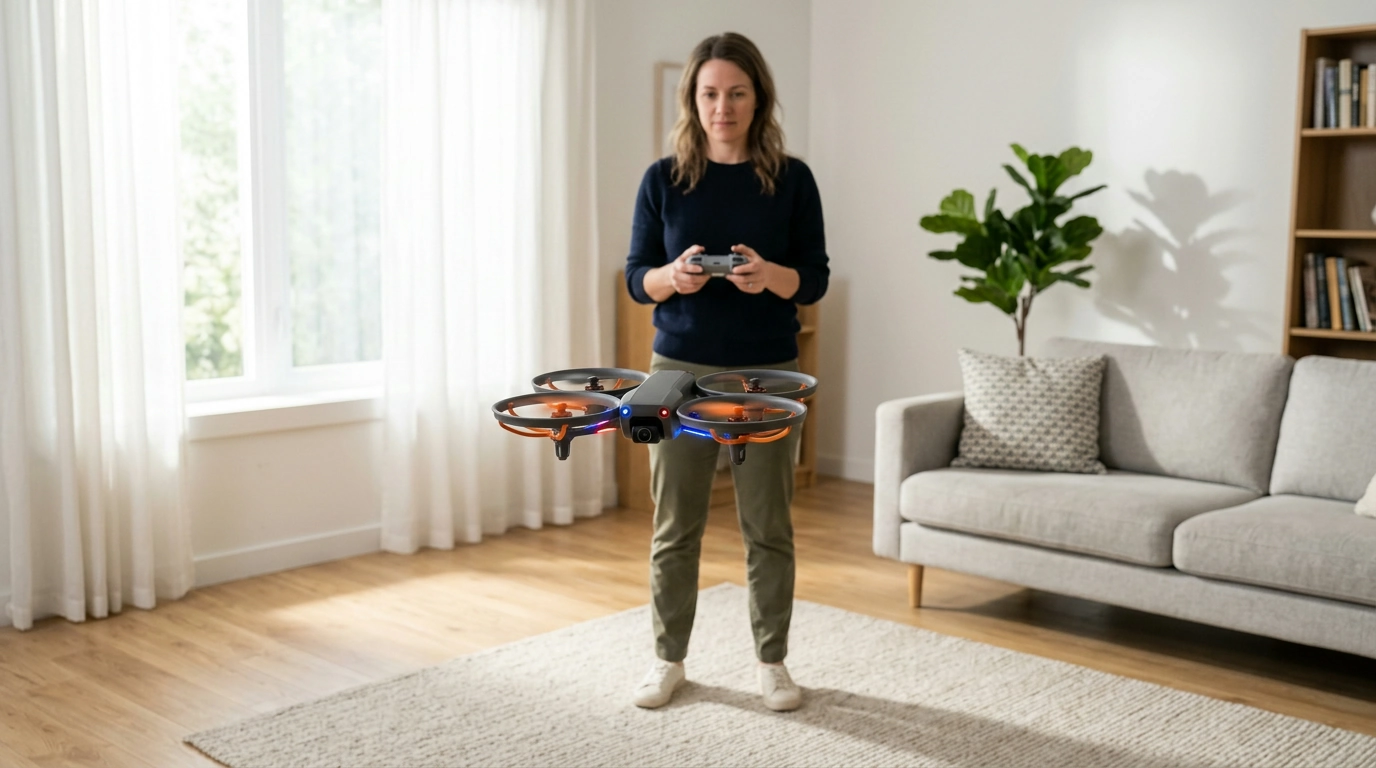
Mini RC Drone Fun Made Simple: HD Camera, 360° Flips, 2.4G Control, and One-Key Return
If you want a compact RC drone that’s easy to pick up and genuinely fun to fly, this mini quadcopter keeps things straightforward: an onboard HD camera for casual clips, 360° flip mode for quick trick moves, a 2.4G remote connection for steady control, and a one-key return function to help you recover when direction gets confusing. It’s a great fit for learning basic piloting indoors or taking short, calm-weather flights outside.
Quick Look: What This Mini Drone Is Built For
This mini drone focuses on the parts of flying that most beginners care about: simple setup, predictable controls, and features that reward practice without requiring advanced gear.
- Everyday flying for beginners who want straightforward controls and quick setup
- Short clips and photos from an onboard HD camera for casual sharing
- Trick-friendly flights with 360° flip mode once basic hovering feels comfortable
- Added confidence from one-key return when orientation is lost
- 2.4G remote control helps reduce interference and supports a stable link
Looking for the drone itself? Check the Mini RC Drone with HD Camera, 360° Flip, 2.4G Remote Control, One-Key Return for current package details and availability.
Key Features Explained (Without the Guesswork)
Mini drones can sound feature-packed on paper. What matters most is how each feature helps during real flights—especially early practice sessions.
Feature-to-Benefit Guide
| Feature | What it helps with | Best practice tip |
|---|---|---|
| HD camera | Capturing casual video and photos | Fly slowly; avoid fast yaw spins to reduce blur |
| 360° flip | Fun trick moves and skill building | Perform above head-height and away from people/pets |
| 2.4G remote | More stable connection and control feel | Keep line of sight; avoid heavy Wi‑Fi congestion areas |
| One-key return | Recovering when orientation is confusing | Use early; don’t wait until the battery is low |
| Mini size | Indoor-friendly practice and portability | Choose calm rooms; turn off fans for smoother hover |
- HD camera: Great for simple aerial viewpoints. The biggest upgrade to video quality usually comes from smoother flying and better lighting, not aggressive speed.
- 360° flips: A one-command stunt that adds instant “wow,” but it’s most reliable when you’ve gained a little altitude and the drone is hovering steadily.
- 2.4G remote control: Designed to feel responsive and reduce dropouts compared with older-frequency toys—still, it performs best when you keep the drone in sight.
- One-key return: Think of it as a quick assist for getting back toward you, not a pinpoint autopilot. It’s especially helpful for beginners when the nose direction gets mixed up.
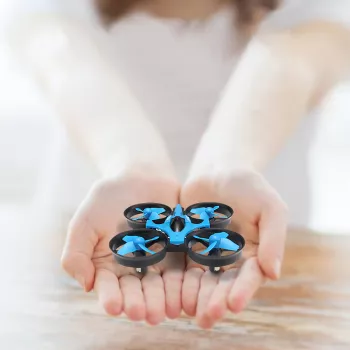
- Mini form factor: Easier to store, quick to pull out for a short session, and typically more forgiving when you’re still learning throttle control.
Set Up and First Flight Checklist
A smooth first experience usually comes down to the setup basics and a calm practice area.
- Charge/insert batteries as directed and confirm the drone and remote are powered correctly
- Pick a safe practice area: open space, soft flooring, and no ceiling fans or hanging lights
- Calibrate and pair the remote if required by the model’s startup sequence
- Start with gentle throttle: practice short takeoffs and controlled landings before attempting turns
- Use one-key return only after confirming the drone has enough space to move without hitting obstacles
Tip for smoother sessions: keep practice flights short and repeatable—30 to 90 seconds at a time—so you can land before you start overcorrecting.
Flying Skills: From Hovering to Flips
Mini drones reward “small inputs.” The goal is to stay relaxed and let the drone settle before adjusting again.
- Hover practice: Hold a steady height first; small corrections are better than big ones.
- Orientation practice: Learn nose-in and nose-out control by doing slow squares and figure-eights.
- Camera practice: Fly a smooth, consistent path; keep the drone pointed slightly forward for clearer footage.
- Flip practice: Gain altitude, hover briefly, then trigger the flip; return to level flight immediately after.
- Confidence routines: Use short sessions to avoid fatigue and reduce crashes from overcorrecting.
If you plan to record more often, keeping your phone topped up can help—especially during longer practice days. The Portable Charger 20W PD Fast Charging Power Bank 4800mAh with LED Display is a handy add-on for travel or outdoor sessions.
Where It Performs Best (And Where It Doesn’t)
Before any outdoor flight, review recreational drone guidance and airspace basics from the FAA — Recreational Flyers & Drone Safety. For a quick understanding of how breezes form and why wind can change quickly, see the National Weather Service — Wind Basics.
Care, Maintenance, and Responsible Use
What’s Included and What to Consider Adding
FAQ
How does one-key return work on a mini RC drone?
One-key return is typically a simple return-assist that steers the drone back in your general direction rather than a GPS-precise “go home” system. Use it with enough altitude and open space, and keep the drone in line of sight so you can correct if it drifts.
Is an HD camera on a mini drone good for clear video?
It can be clear for casual clips in bright, even light, especially when the drone is flown smoothly. Wind, quick rotations, and fast yaw spins are the most common reasons footage looks shaky or blurry.
Can a small 2.4G RC drone be flown outdoors?
Yes—on calm days in open areas, it can be a lot of fun outdoors. Because mini drones are light, even mild wind can push them around, so daylight and low-breeze conditions make flights easier and safer.

Leave a comment